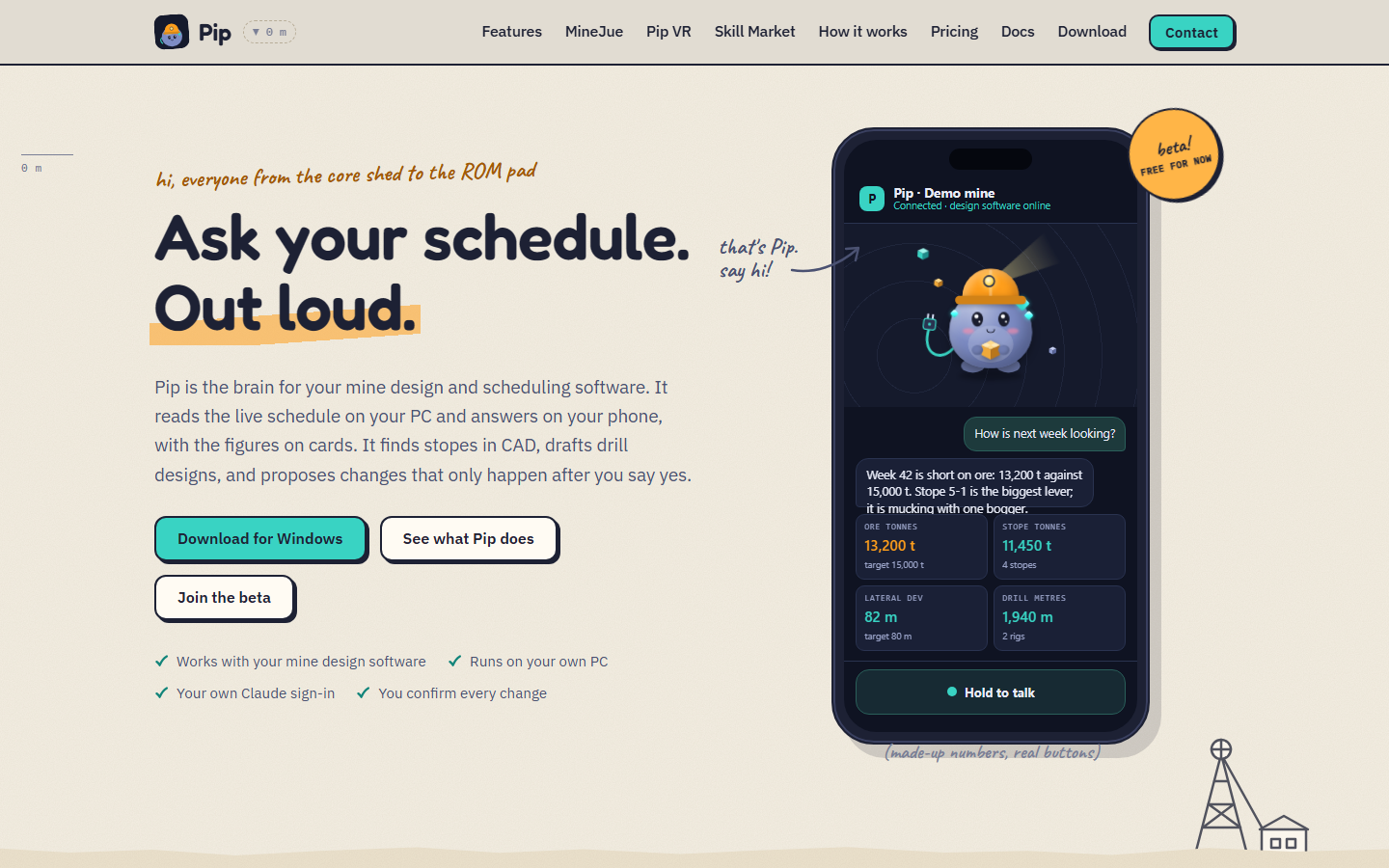
Pip: voice assistant for mine design software
Why it exists: Pip was started by a mining engineer who remembers being a junior engineer handed a big mine design package with little guidance. The help menu can't see your design and senior engineers have their own deadlines. Pip is the colleague that is there 24/7. What it does: - Sits on top of your CAD window (click it to chat), or runs on iPhone, Android, Meta Quest 3 (Pip VR preview) and Even smart glasses. - Turns plain words into the software's own commands: layers, entities, views, drawing, block model, scheduler and files. - Reads the live schedule and answers with figure cards. - Look-around commands run at once. Anything that changes your design, schedule or files is shown first, runs only after your yes, and is logged. - Skills add expert workflows. Stope drill design is included, and more skills are in testing. Skills can be kept in your own GitHub repository and Pip keeps them in sync. - For every department, from exploration and geology to surface, underground and production. How it runs: the Pip server runs on your own PC, alongside your own licensed design software and its connector. Plans: Pip is free for every engineer. Pip Pro (coming soon) unlocks three times the commands plus extra skills. Site licences are available on request. Before you start: Pip needs your own licensed mine design and scheduling software, and it is not made, endorsed or sponsored by the makers of that software. It is in beta, so test it on a copy of your design or schedule first. Website and docs: https://www.pip-ai.net Community: https://discord.gg/JcSjsraPT Videos: https://www.youtube.com/@BMCAustralia